
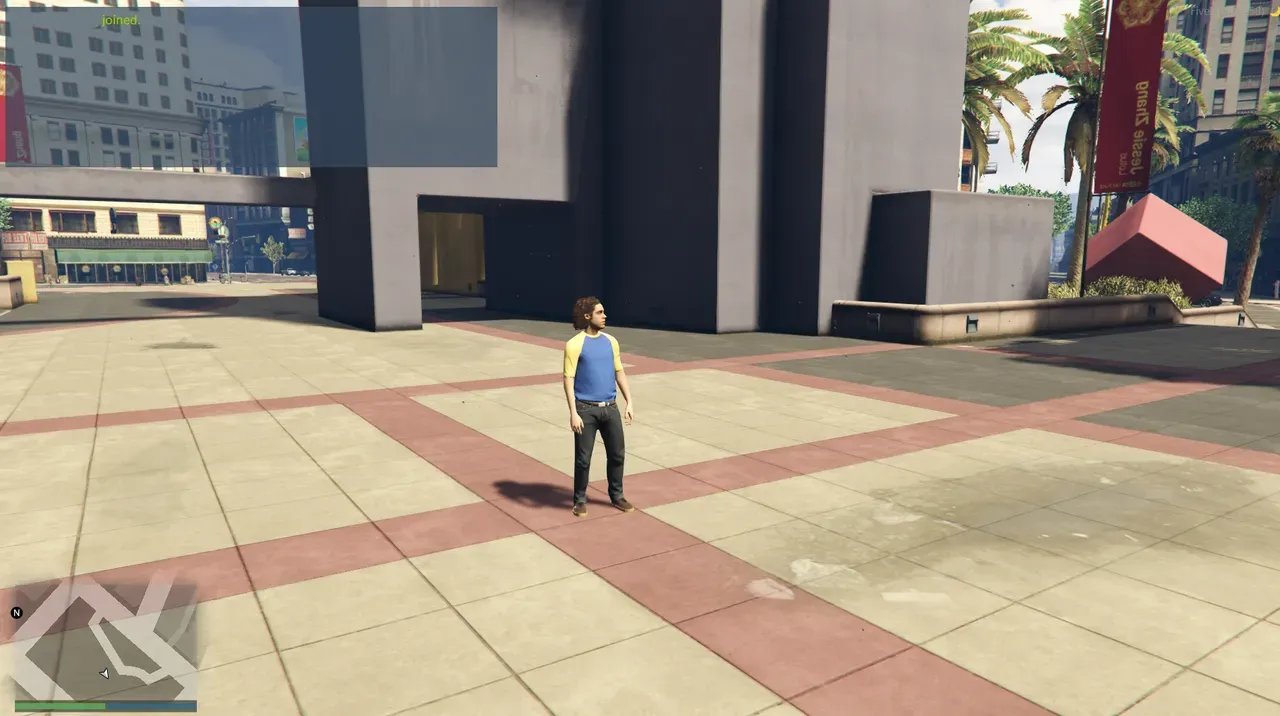
Last time (Dev Diary #1), I wrote up to the point of launching a FiveM server using only free tools. But even though it launched, the inside was empty — just my character standing alone on the default map. This time is a record of starting to work on it, little by little.
Of the roadmap I laid out last time, I installed ① txAdmin, and I also added vMenu, which wasn't in the plan. And the biggest thing this time was moving from the stage of having AI "teach me the steps" to the stage of having it "write the working scripts themselves."
① Installing the management tool (txAdmin)
First, I installed txAdmin as I'd previewed last time. It's a free tool that lets you handle starting/stopping the server, settings, and admin commands from a browser-based admin panel, and it becomes the foundation of server management. This part went without a hitch.
Adding vMenu (not planned, but glad I did)
It wasn't written in the roadmap, but I also added vMenu. It's a free, framework-independent standalone menu that lets you call up operations like spawning vehicles, changing the weather and time, managing players, and customizing your appearance directly from an in-game menu. Since it works on its own without installing a big framework like QBCore, you can create an "at least I can touch something" state even at the empty-server stage. Installing it first made checking that things worked a lot easier.
I became able to have AI write FiveM scripts for me
This is the biggest change this time. Claude Code in VSCode became able to write Lua scripts for FiveM. Last time I was at the stage of having ChatGPT "teach me" the installation steps, but this time I've moved to the stage of having it write the working scripts themselves.
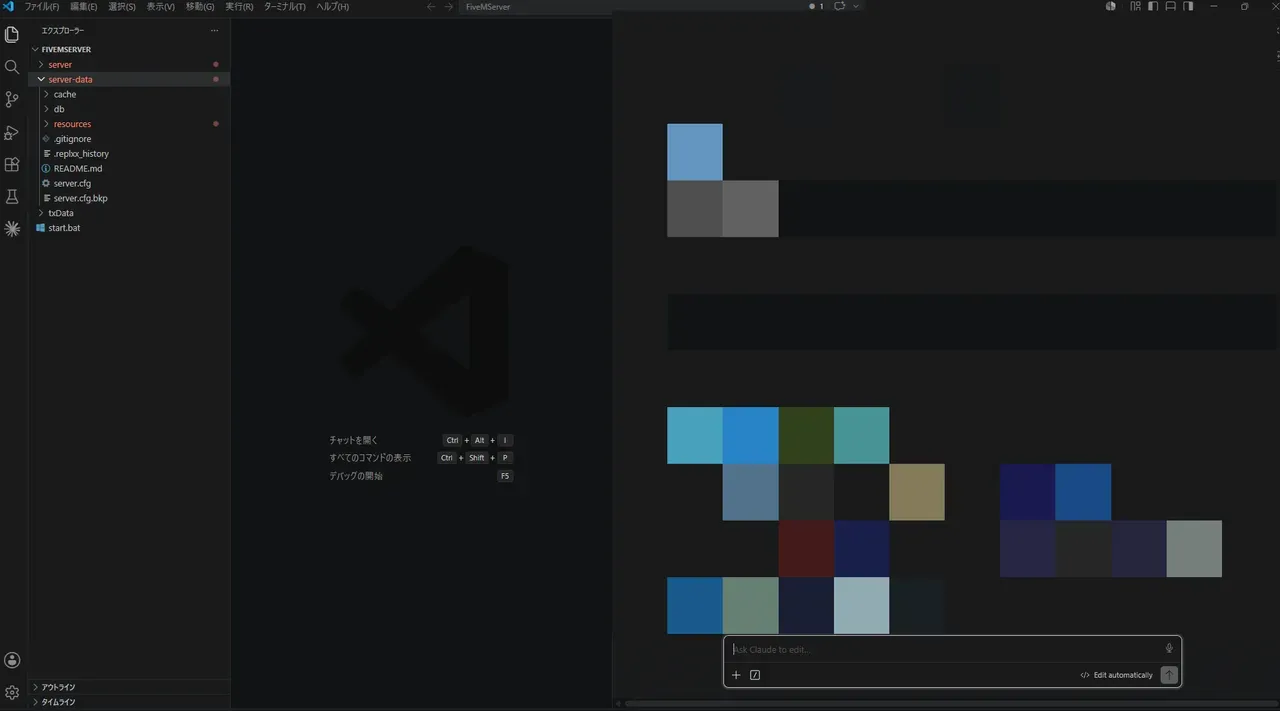
What I had it write were the following three scripts, meant to crush the small, mundane inconveniences of an empty server.
The first is locking the spawn location. By default I was thrown all over the place on every connect (in my case, often to the north of the map), so I had it fixed so that I always spawn at Legion Square.
The second is locking the character's appearance. Left alone, my appearance would change every time, so I made it so I join with the same look.
The third is locking the respawn after death. I was reviving at a random place when I died, so I fixed it to revive at a set location.
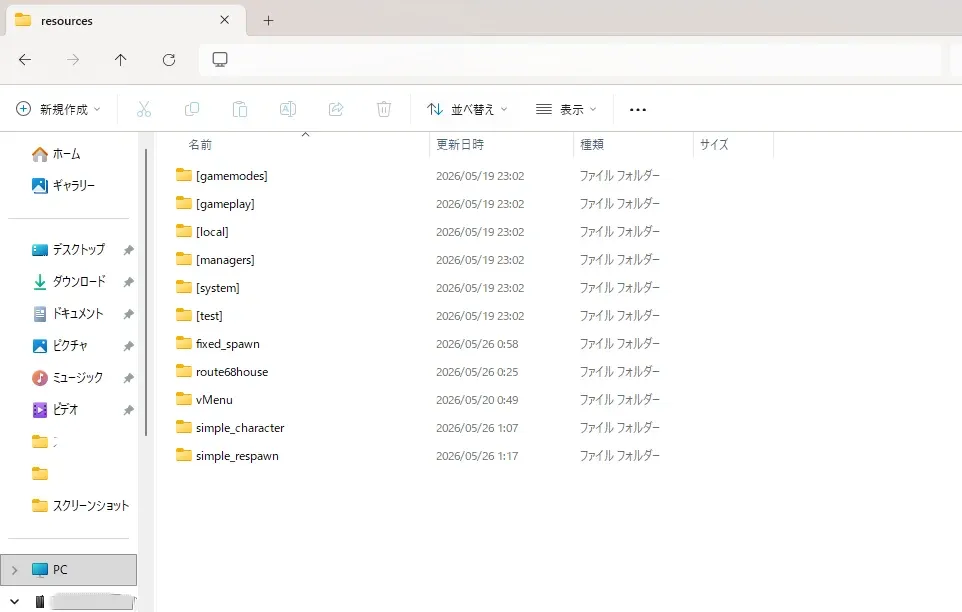
Each one is a small fix on its own, but when these "mildly annoying every time" things pile up, the feel of spending time on the server changes quite a bit. I have a sense that a place that was empty is gradually becoming my own spot.
Holding off on QBCore for now
Actually, this kind of "locking position and appearance" is apparently provided as standard features, all bundled together, if you install the classic framework QBCore. Even so, there's a reason I deliberately made do with lightweight standalone scripts this time.
QBCore is high in installation difficulty, and I hear the server gets heavy the moment you put it in. ChatGPT also told me, "you should install it after you get a bit more used to things." A framework presupposes preparing a database and managing a large number of resources, so my judgment was that suddenly loading it at this stage, when the basics still aren't solid, carries too much risk. For now I'll add only the features I need with standalone scripts, and once I'm used to the foundation, I'll consider installing QBCore anew.
I got stuck on MLO (honestly, this part is stalled)
I also tried my hand at MLO (maps that add building interiors and the like), which corresponds to ④ of last time's roadmap. However, this part is stalled for now.
First, downloading from distribution sites is pretty scary. There are many free distributions of unclear origin, and I was in a state of nervously downloading a few while worrying about viruses. On top of that, the MLOs I downloaded weren't all in a format that could be put straight into FiveM, and some didn't apply properly even after I added them.
I have come to understand the basic flow of installation itself: add the MLO or script to the resources folder, and enable it (ensure) in txAdmin's CFG Editor. However, it seems some MLOs won't run as-is due to dependencies or format issues, so figuring out "which ones are usable as-is and which are labor-intensive formats" looks like it'll be the next challenge. My honest takeaway this time is that anyone getting into free-distribution MLOs should first be careful about the source.
Wrapping up this time
I set up the foundation with txAdmin and vMenu, and gradually crushed the inconveniences of the empty server with scripts written by AI. Meanwhile, MLO is stalled at the wall of formats, and QBCore is intentionally on hold — that's where things stand in week two. Next time, I'd like to either untangle this MLO snag or move on to something like the vehicle additions from ② of last time's roadmap.
This article is a record of the GTA6 FEED operator actually building a FiveM server on his own PC. The technical information is written after confirming the official documentation and each tool's offering as of May 2026, but the specifications and difficulty vary by environment and may change going forward. FiveM and GTA are trademarks of their respective rights holders (Cfx.re / Rockstar Games), and this site is not affiliated with those companies.