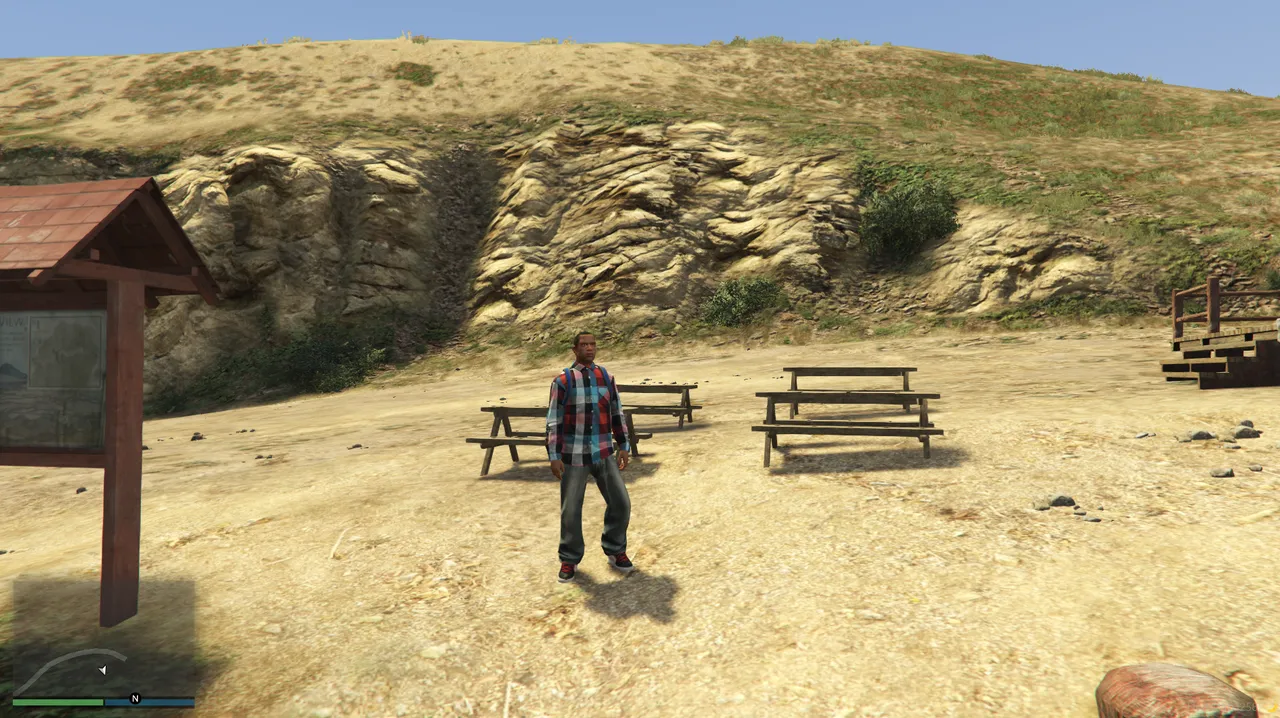
Last time I built my own teleport feature for development, simple_teleport. Today I strengthened it further and made progress on the groundwork for placing NPCs and shops. It's plain work, but the more this kind of footing is in place, the easier everything afterwards gets.
Adding the /coords Command
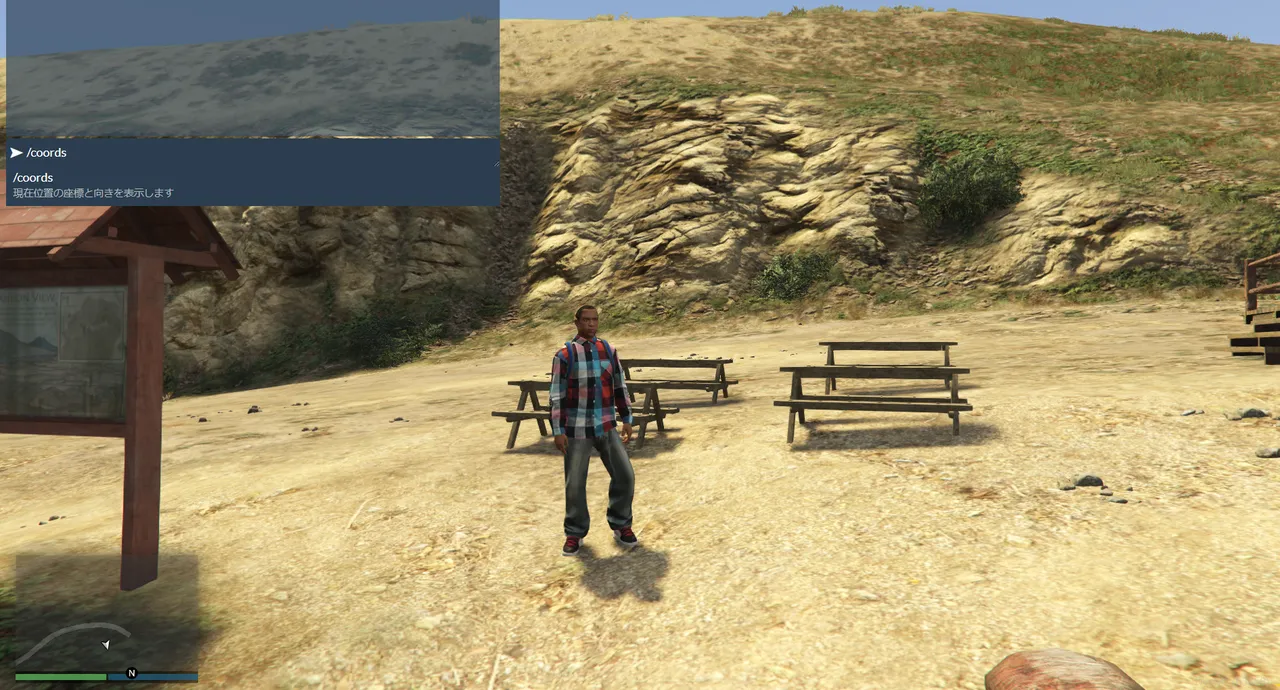
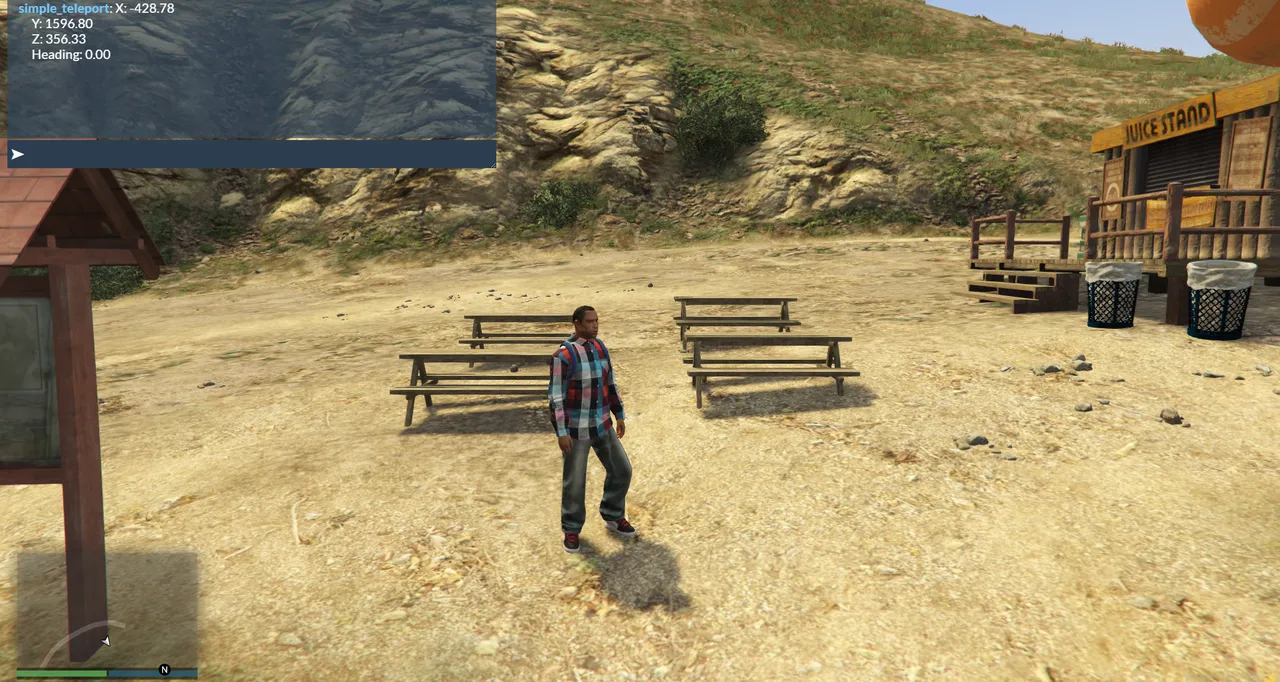
First, I added /coords, which lets me check the coordinates of wherever I'm standing right on the spot. What it gives me is,
- The X coordinate
- The Y coordinate
- The Z coordinate
- The heading (which way I'm facing)
— those four. With this, when I go to place NPCs, shops, garages and so on, I can immediately grab the coordinates of the spot where I think "I want to put it here." Placement work needs coordinates every single time, so just making this part easy changes the efficiency quite a lot.
Adding the /back Command
Next, I implemented /back, which returns me to where I was after moving with /tp.
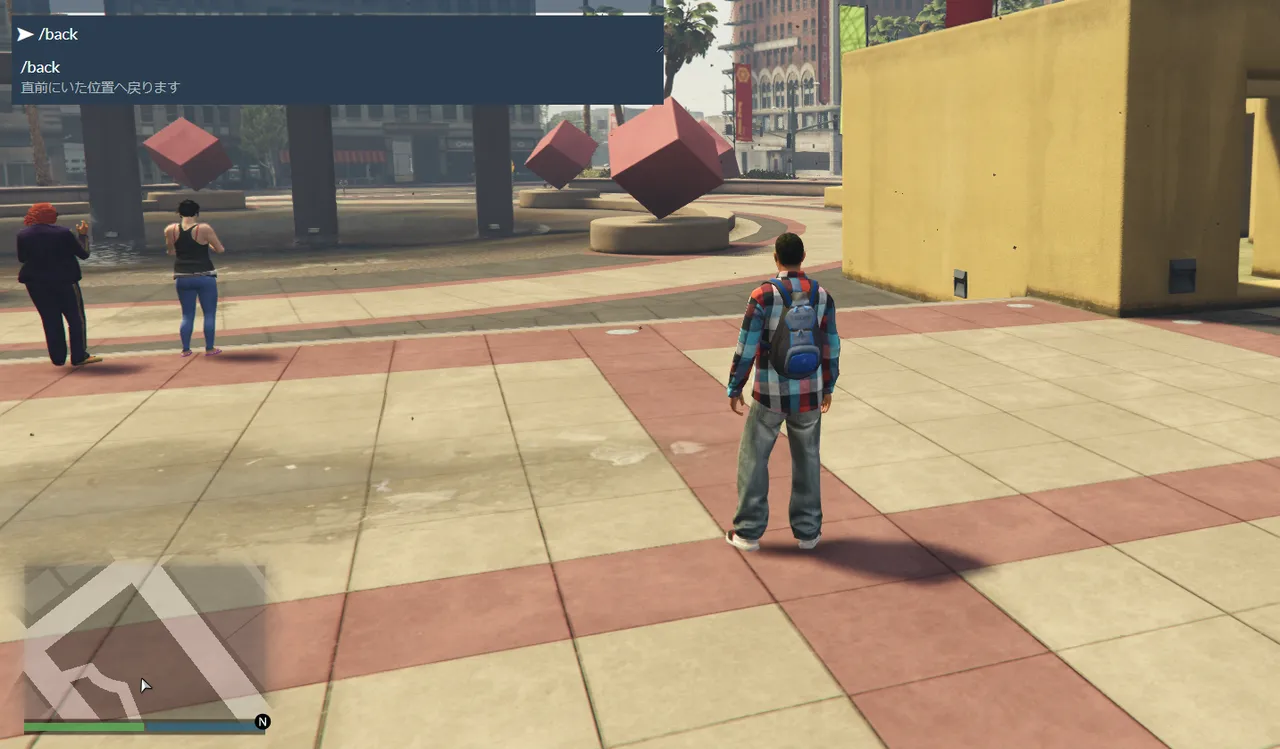
On top of that, if I run /back once more after returning, this time it takes me back to the destination. In other words, I can go back and forth between the original spot and the destination as many times as I like. When checking an MLO or the map, I can repeat "go there, come back, check again," so it turned out to be a quietly convenient feature.
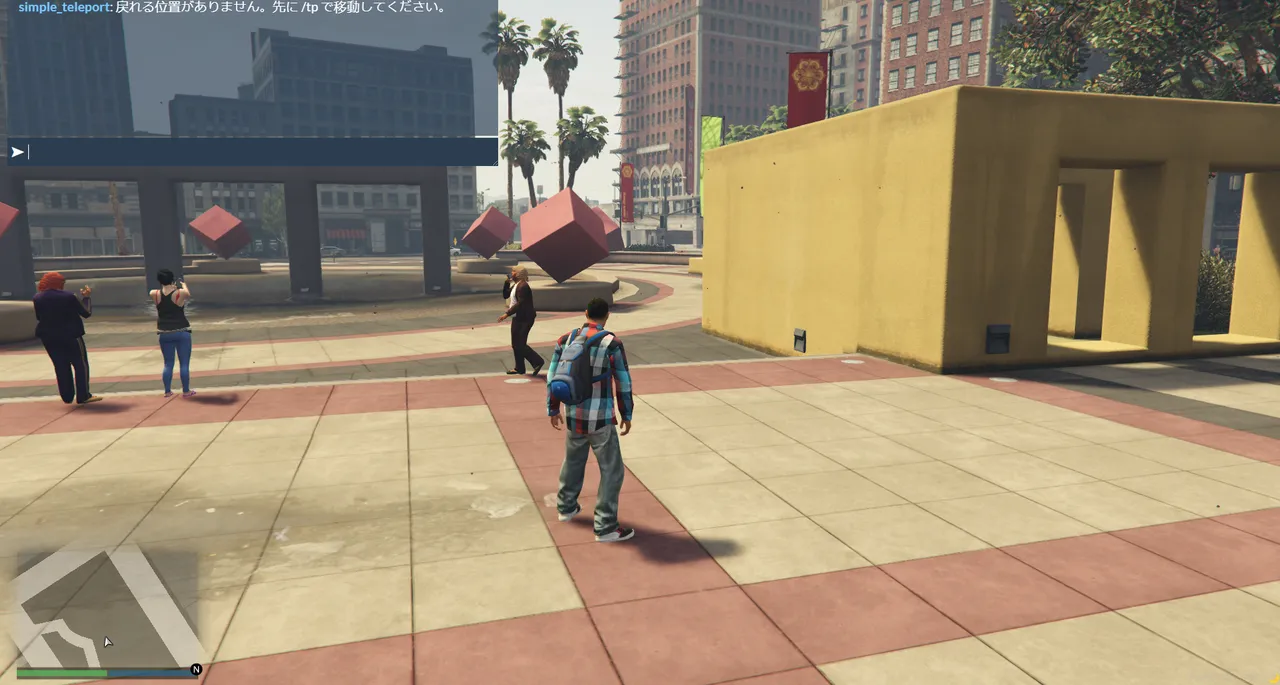
Verifying It Works
Everything I added this time, I checked for real inside the game.

- Get the current position and heading with /coords
- Move to the specified coordinates with /tp
- Return to the original spot with /back
- Go back to the destination with /back again
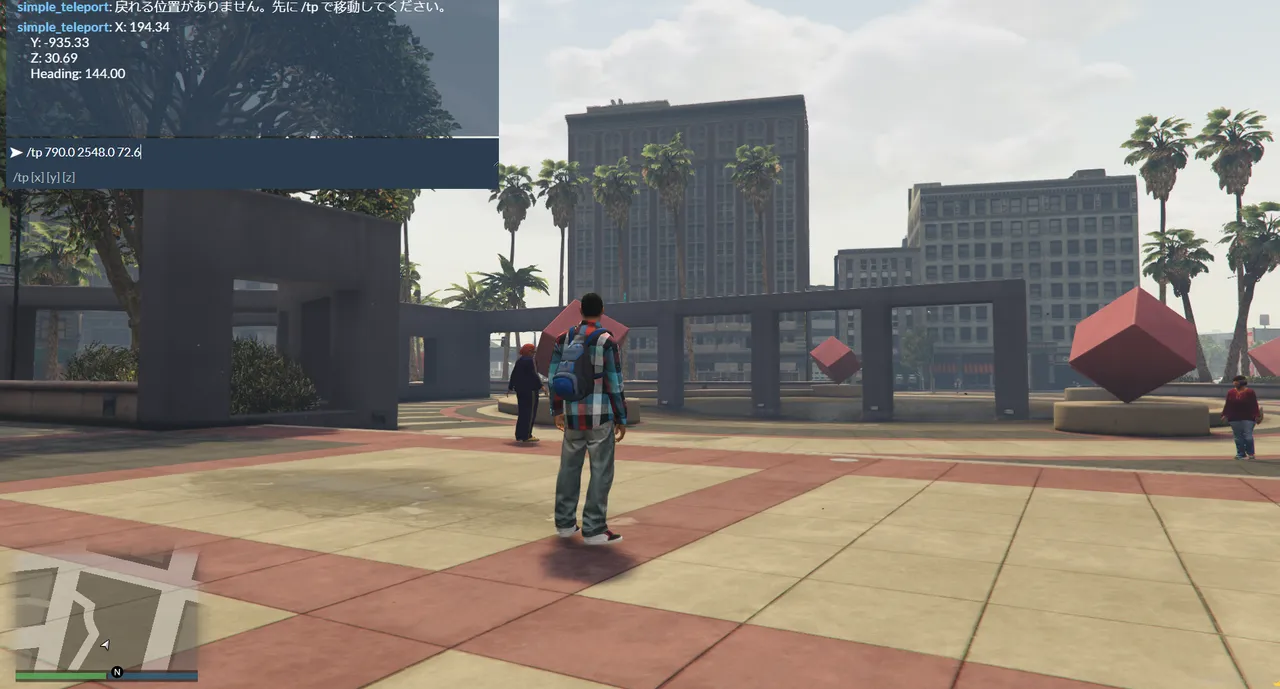
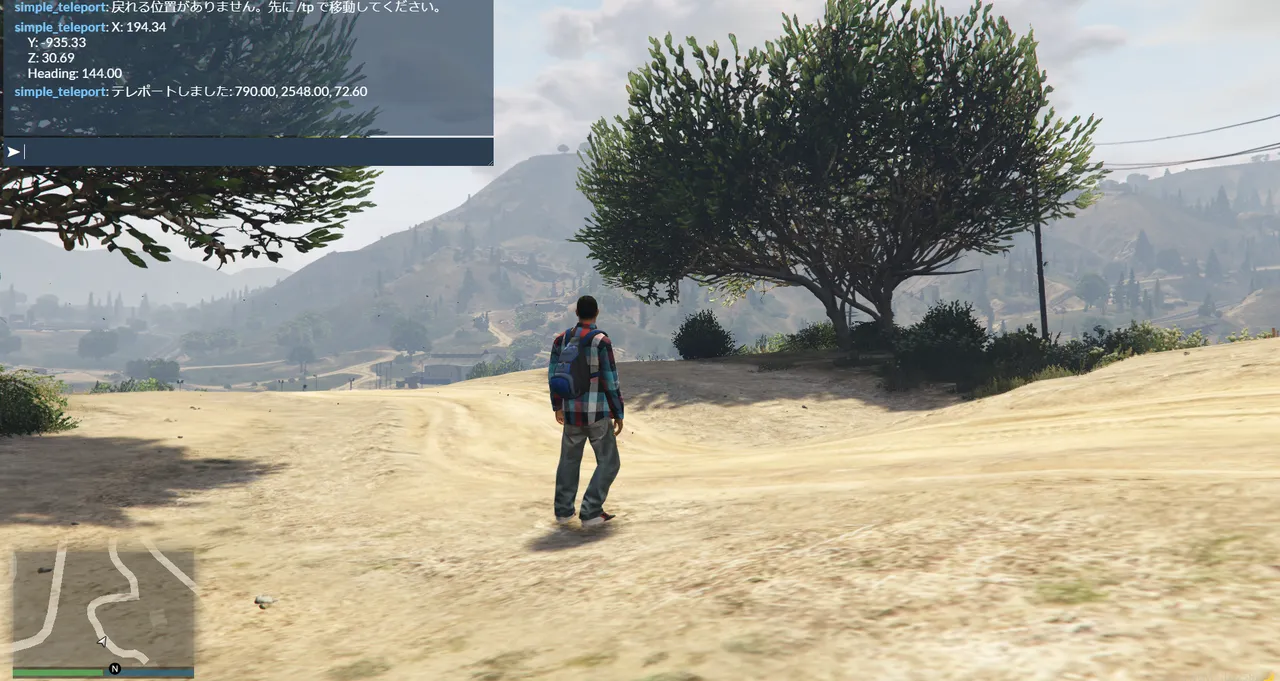
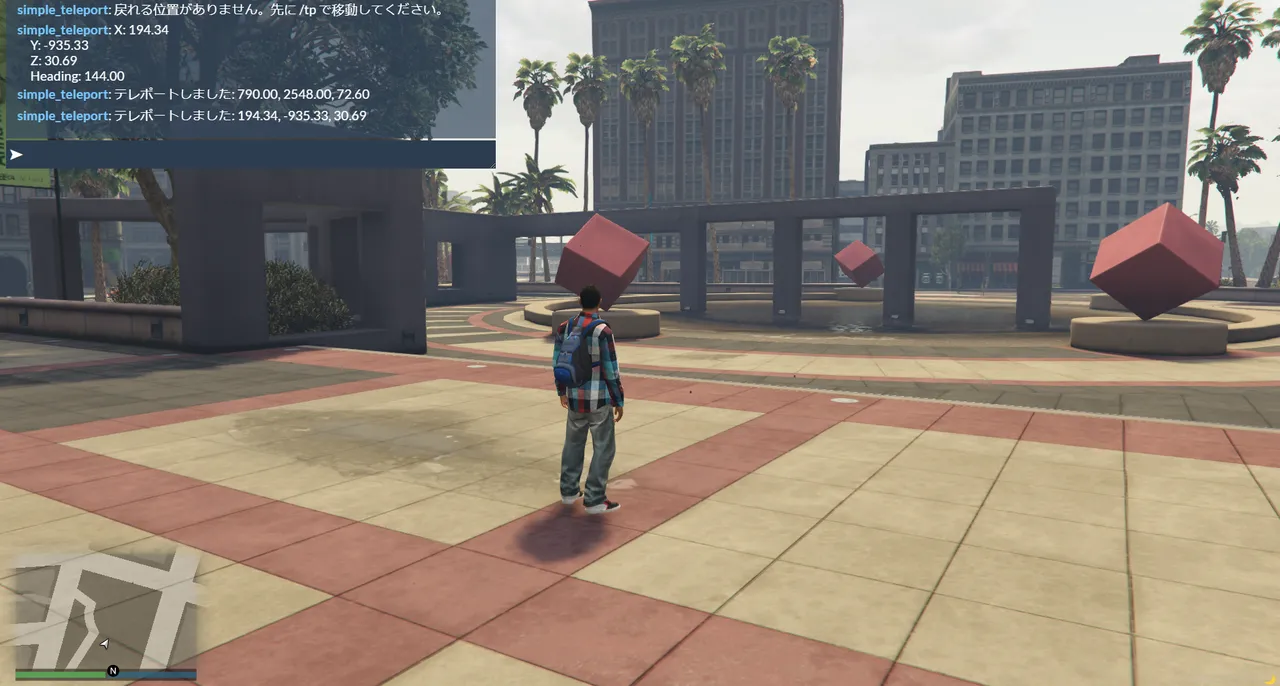
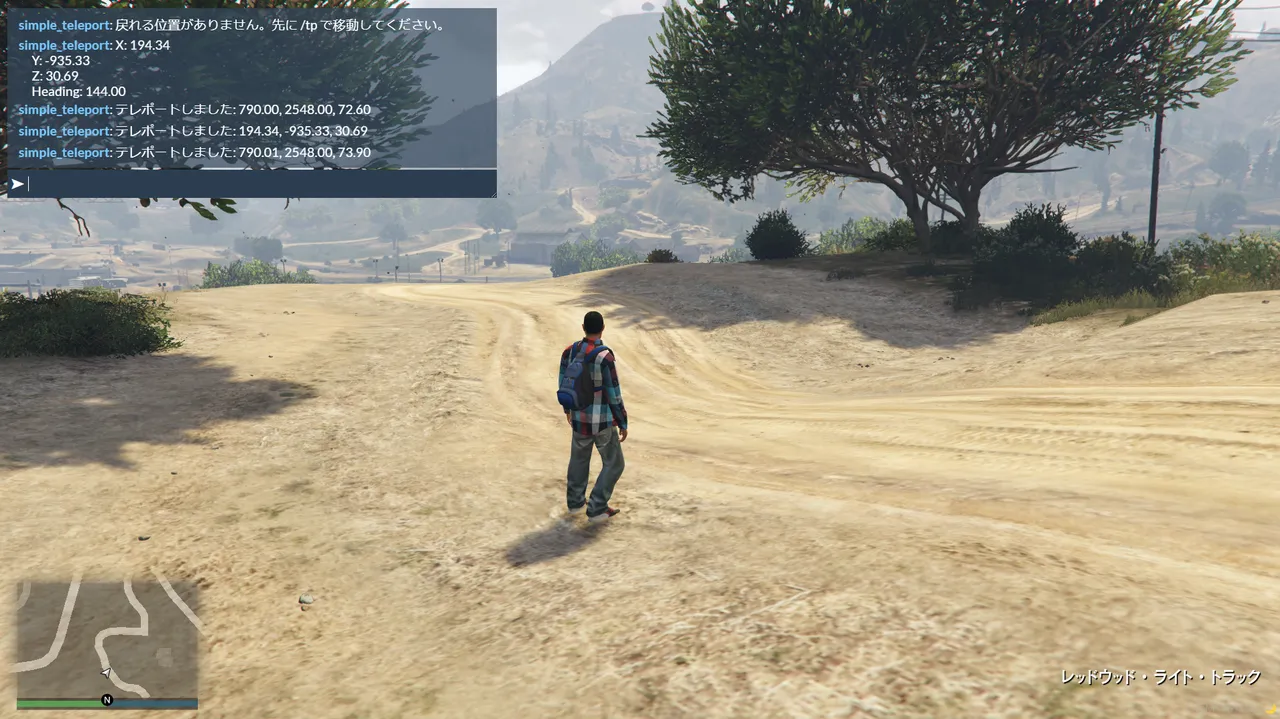
I was able to confirm that this whole flow works correctly, exactly as intended.
What I Felt This Time
At the start it felt like "having the AI write code for me," but lately, little by little, it's started to feel like I'm raising a development tool made just for me.
Adding features while actually checking how they move in game is more fun than I expected, and I can really feel that even small improvements are steadily raising my development efficiency. Rather than building a big feature all at once, stacking up "it'd be handy to have this" one at a time like this might suit me better.
What I'll Do Next Time
Next I plan to add /copycoords.
The goal is to be able to get the current position in Lua's vector4() form, so I can paste it straight into code when placing NPCs and shops. I've gotten as far as "checking" with /coords, so next I want to carry it to "usable in code as-is."
This article is a record of the GTA6 FEED operator actually building a FiveM server on their own PC. The technical information is written after confirming the environment and each tool's offering as of June 2026, but the specifications and behavior vary by environment and may change going forward. FiveM and GTA are trademarks of their respective rights holders (Cfx.re / Rockstar Games), and this site is not affiliated with those companies.