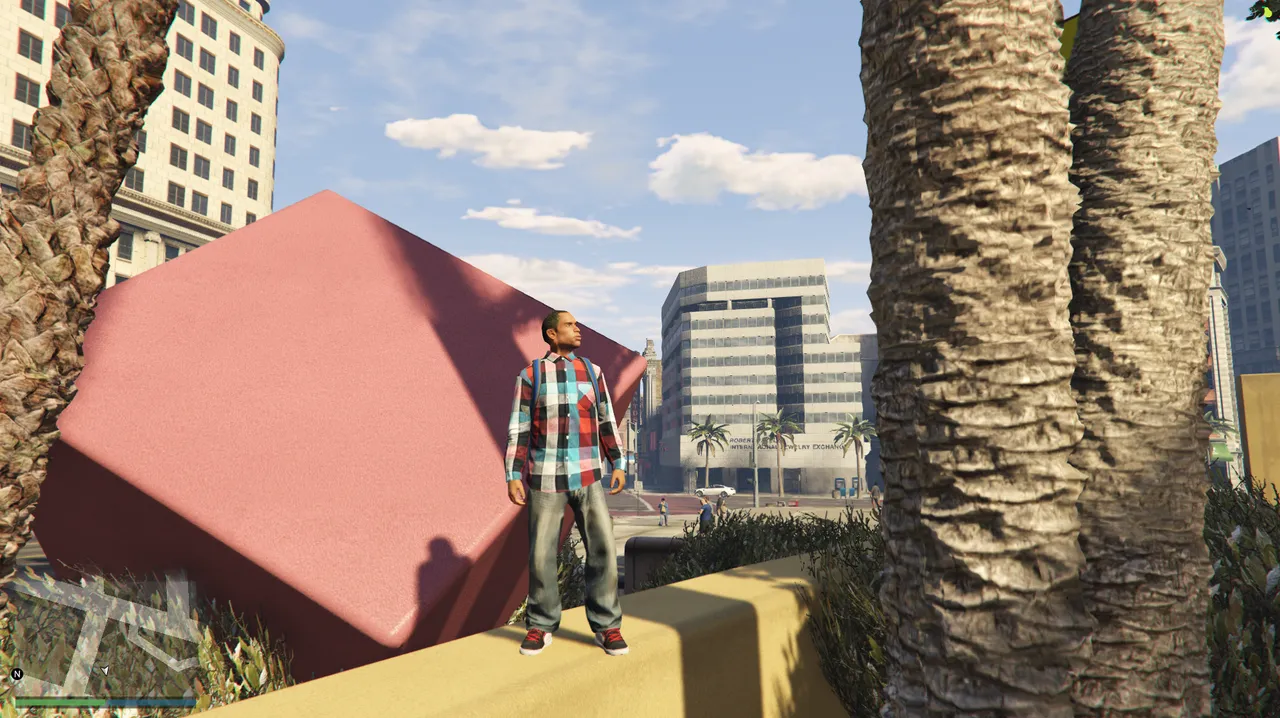
Today I pushed development forward with the goal of finishing simple_teleport. I had already implemented /tp, /coords and /back last time, so what was left was the finishing touches. This time I added the last headline feature, /tpm (Waypoint Teleport), along with /copycoords, which I had announced earlier.
What I Implemented Today
/copycoords
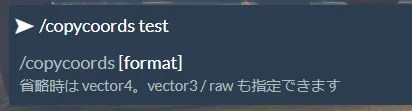
I implemented a command that gets the current position in a form that is easy to use directly in development. It supports three formats.
- vector4
- vector3
- raw

![Typing /copycoords into the chat at Legion Square. The help shows "/copycoords [format] — displays your current position in a paste-ready format"](/images/taikenki/serverkaihatu/6/copycoords-help.webp)
The output comes out like this.
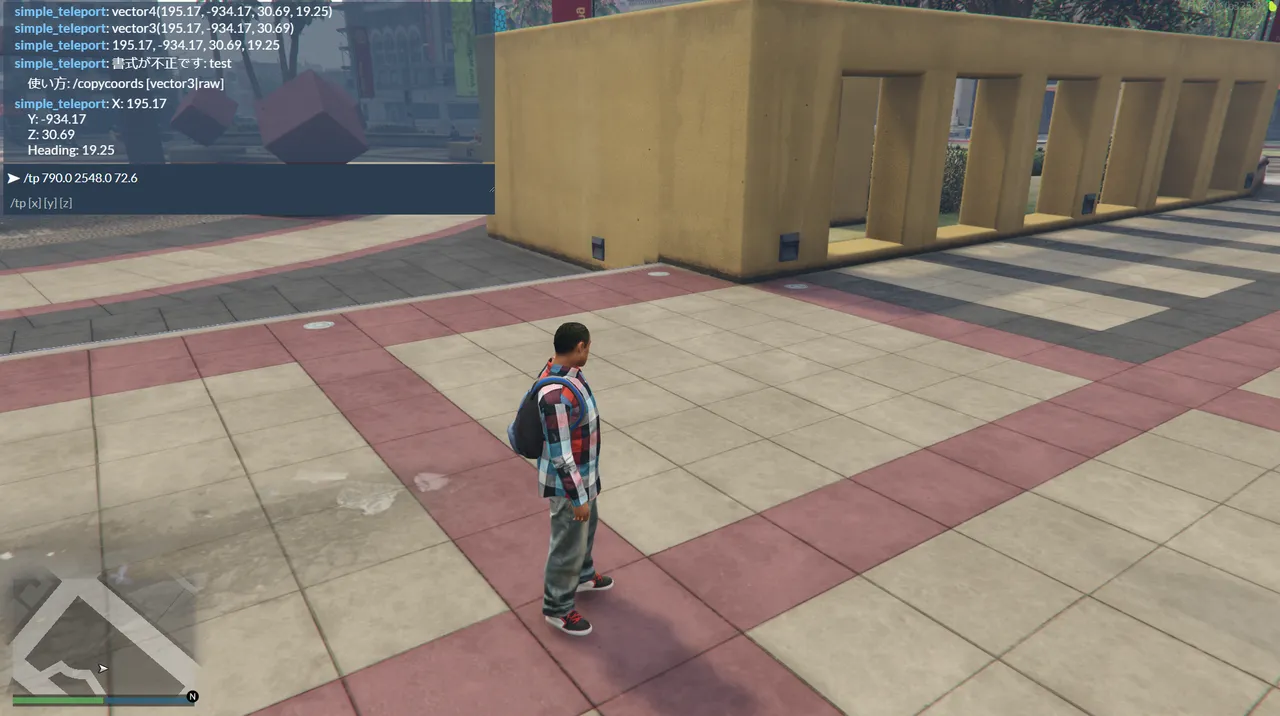
vector4(195.17, -934.17, 30.69, 19.25)vector3(195.17, -934.17, 30.69)195.17, -934.17, 30.69, 19.25
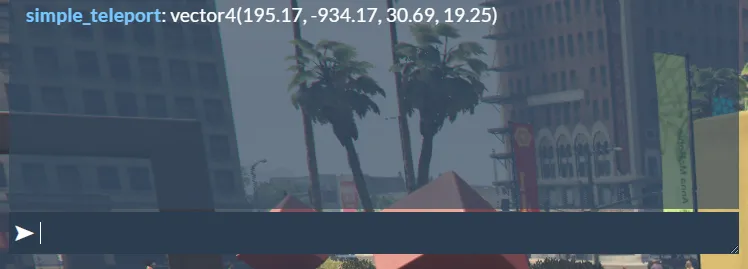

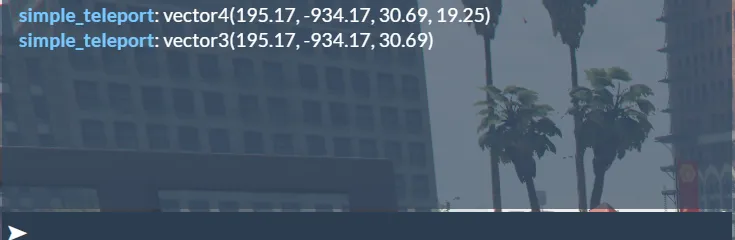

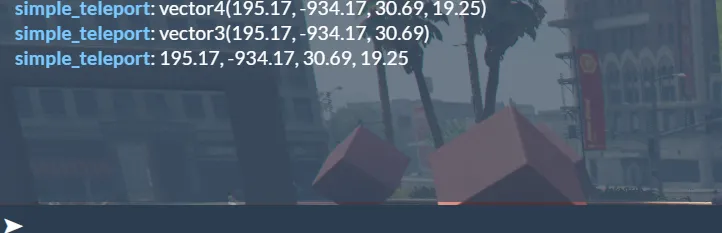
Placing NPCs, shops, markers, garages — any time during development when I want to grab coordinates, I can paste them straight into code. Where /coords was for "checking," /copycoords steps further, all the way to "usable in code as-is."
/tpm
The biggest addition this time. I implemented a command that teleports me to a waypoint placed on the map.

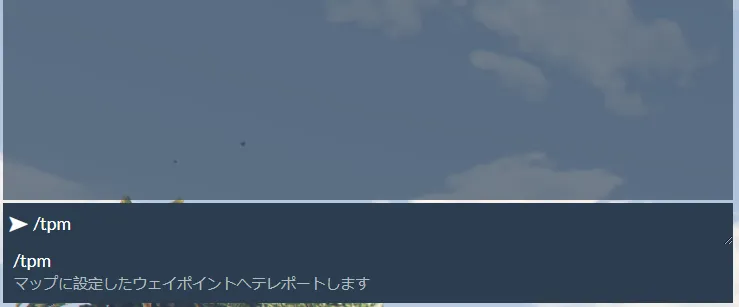
Here's what's inside it.
- An error message when no waypoint is set
- Searching safely for the ground from around 1000m up
- Waiting for collision to load
- Searching for a water surface if no ground is found
- Cancelling the move if nothing is found in the end
- Moving the vehicle with me when I'm driving
- Support for /back
Rather than the common approach of flinging you up to a high altitude and letting you fall from there, I went with a safety-first implementation that properly looks for the ground before setting you down. It avoids fall damage and dropping off the edge of the map, so for jumping around over and over during development, this version is the one I can use with peace of mind.
Verifying It Works
I tested this one in quite a bit of detail.
For /copycoords,
- ✅ vector4
- ✅ vector3
- ✅ raw
- ✅ The error message when passing an invalid argument
— all of it worked correctly.
![The error shown when passing an invalid argument: "simple_teleport: invalid format: test" and "Usage: /copycoords [vector3|raw]"](/images/taikenki/serverkaihatu/6/copycoords-invalid-error.webp)
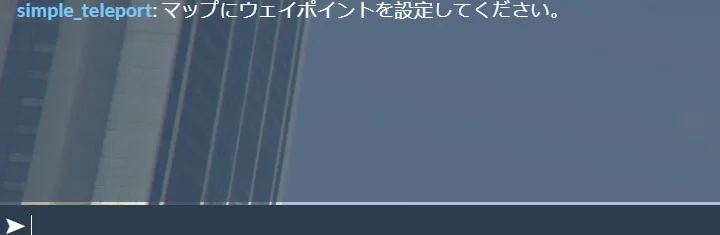
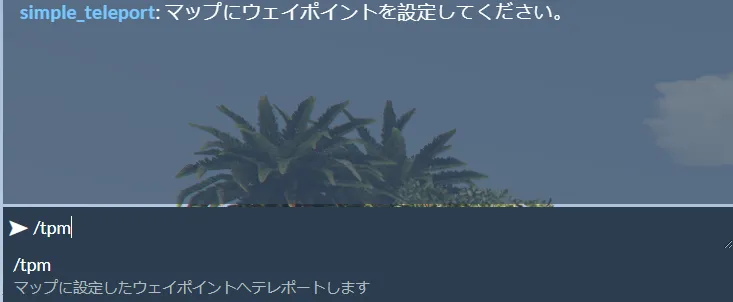
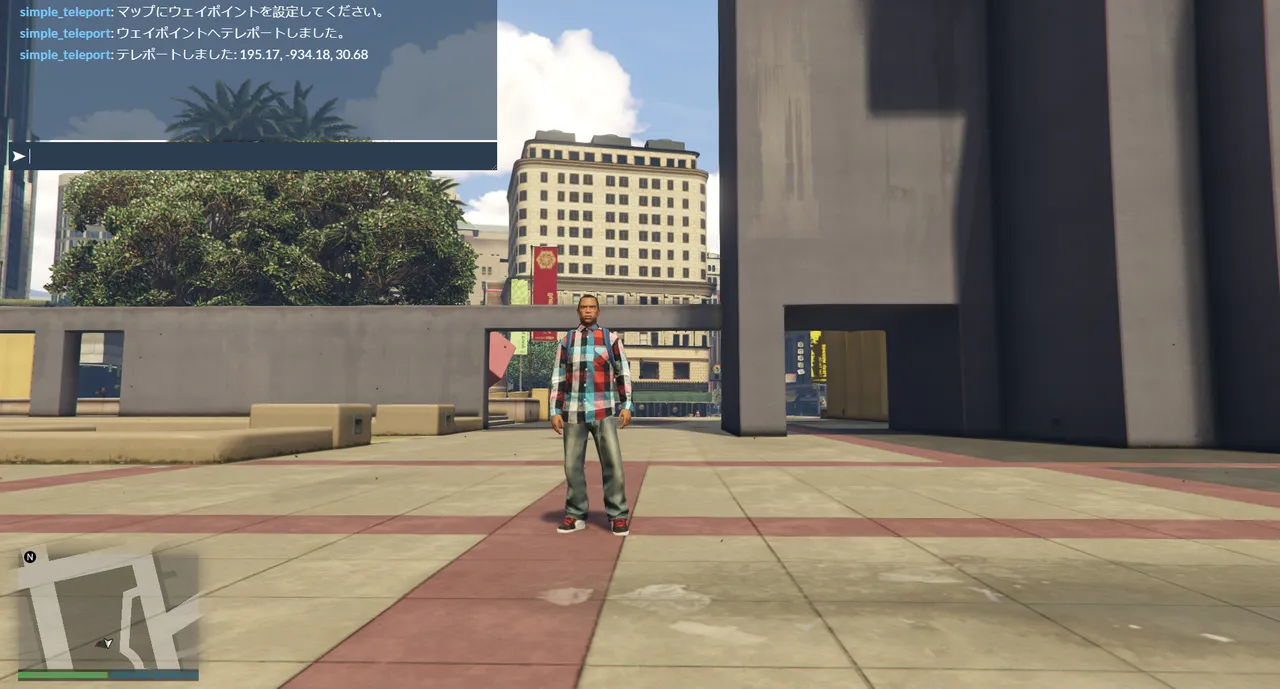
For /tpm, I first ran it with no waypoint set and confirmed that the error message appears. Then I placed a waypoint on the map and ran it, and the teleport succeeded without trouble.
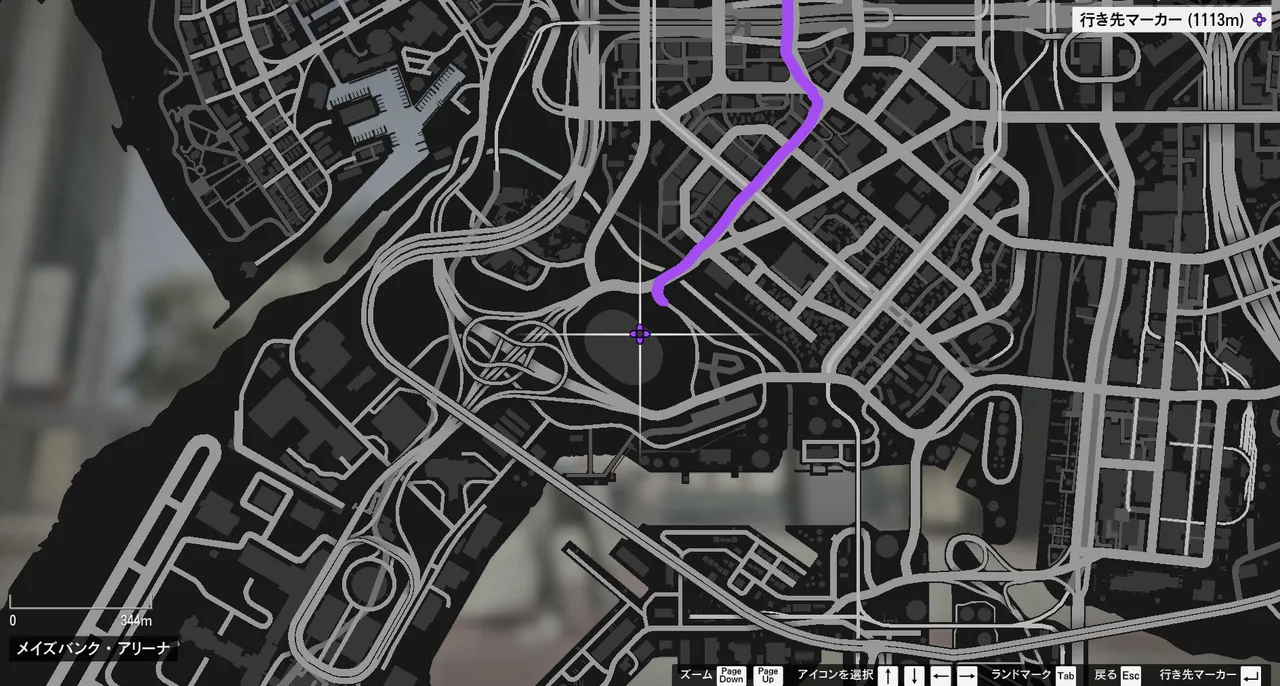
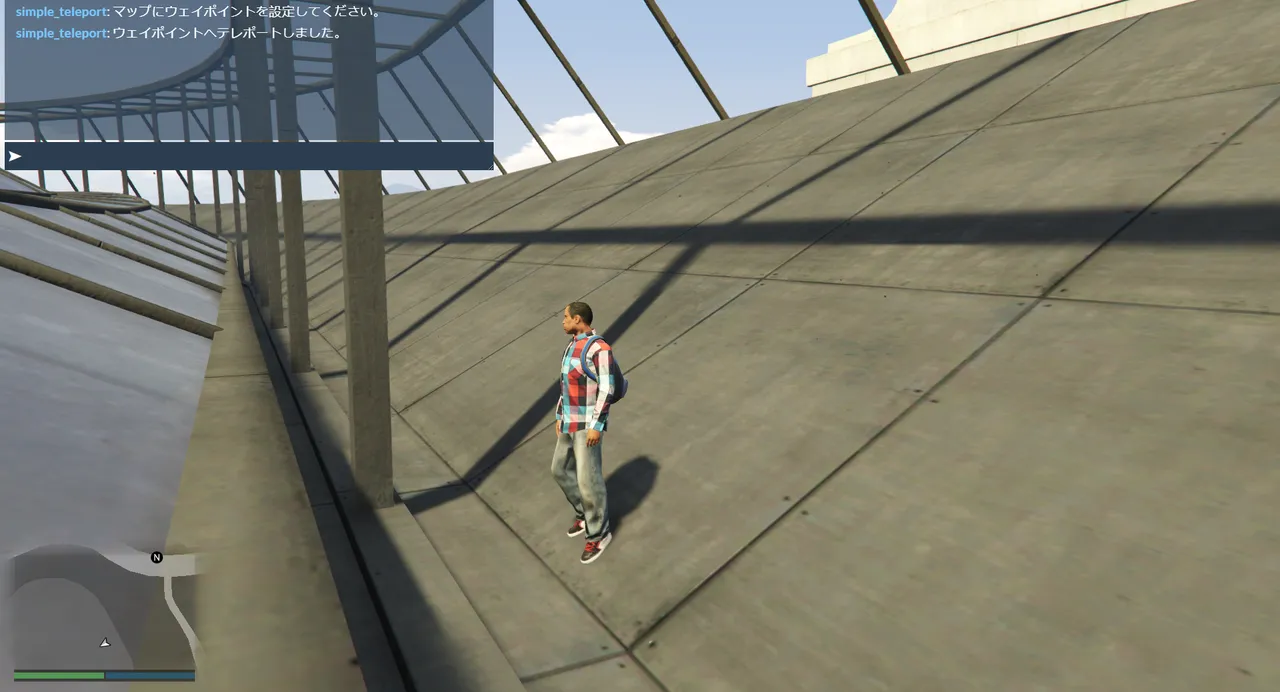
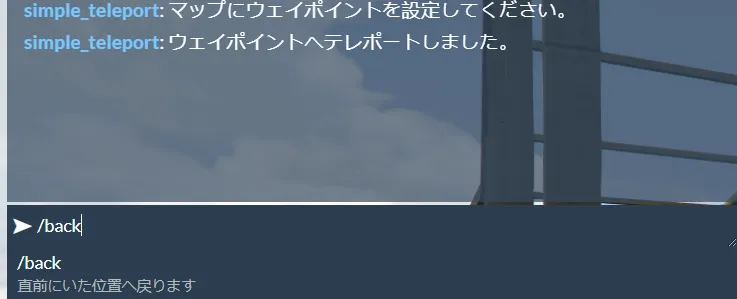
As a test I put a waypoint on the arena roof, and it teleported me right up onto the roof. At first I thought it was a bug, but this is because FiveM's ground detection treats a roof as "Ground" too — apparently it's correct behavior. Finally, I confirmed that /back takes me back to where I started.
The Current Feature List
simple_teleport v1.4.0
- /tp
- /coords
- /back
- /copycoords
- /tpm
I've implemented every feature I originally planned, so for now it's reached a state I can call "complete."
What I Learned Today
What stuck with me most is that "adding features" and "good design" are two different things.
At first I was also thinking of adding derived commands like /copycoords npc, /copycoords marker and /copycoords ox_target. But those are clearly developer-facing features, and they stick out a little from the role of simple_teleport as a "teleport tool."
So this time I decided to finish this resource as "a simple teleport tool anyone can use." Give one resource one job. That's easier for the people using it to understand, and easier to maintain going forward. Just because you can add a feature doesn't mean cramming everything into one thing is the right answer — that was my big realization today.
An Aside: Why I've Been Able to Keep This Up
By the way, there's a reason this dev diary keeps chugging along like this. A while back I honestly told the AI (ChatGPT) that "if I go at it nonstop for hours, I inevitably start to hate it." From then on, it began breaking the steps down finely and walking me through them so that each session wraps up in about 30 minutes to an hour.
Thanks to that, I can now finish each time feeling good about saying "that's it for today," and as a result it has lasted. Rather than pushing through in one big go, stacking things up in small chunks like this suits me better, I think. It feels like it connects somewhere to today's realization about giving one resource one job.
Coming Up Next Time
From next time, I plan to start developing a new resource, simple_devtools.
As a tool for FiveM developers, this would cover things like,
- Help with placing NPCs
- Code generation for ox_target
- Code generation for PolyZone
- Automatic generation of various config snippets
— convenient features that raise development efficiency, all gathered into one resource I want to grow. Precisely because I could carve simple_teleport out as "a simple tool anyone can use," the developer-facing features can be concentrated in the next resource. With simple_teleport finished as one milestone, next I'm taking on building a more practical "development support tool."
This article is a record of the GTA6 FEED operator actually building a FiveM server on their own PC. The technical information is written after confirming the environment and each tool's offering as of June 2026, but the specifications and behavior vary by environment and may change going forward. FiveM and GTA are trademarks of their respective rights holders (Cfx.re / Rockstar Games), and this site is not affiliated with those companies.