Today was less about development and more about experiencing the whole flow up to "publishing what I made." Last time I finished simple_teleport as v1.4.0, so this time I took it all the way to releasing it to the world.
Getting a GitHub Account Ready
To publish a resource I had been managing only locally, I started by learning how to use GitHub. I created a repository for the first time, and checked the basic Git operations — git init → git add → git commit — one at a time.
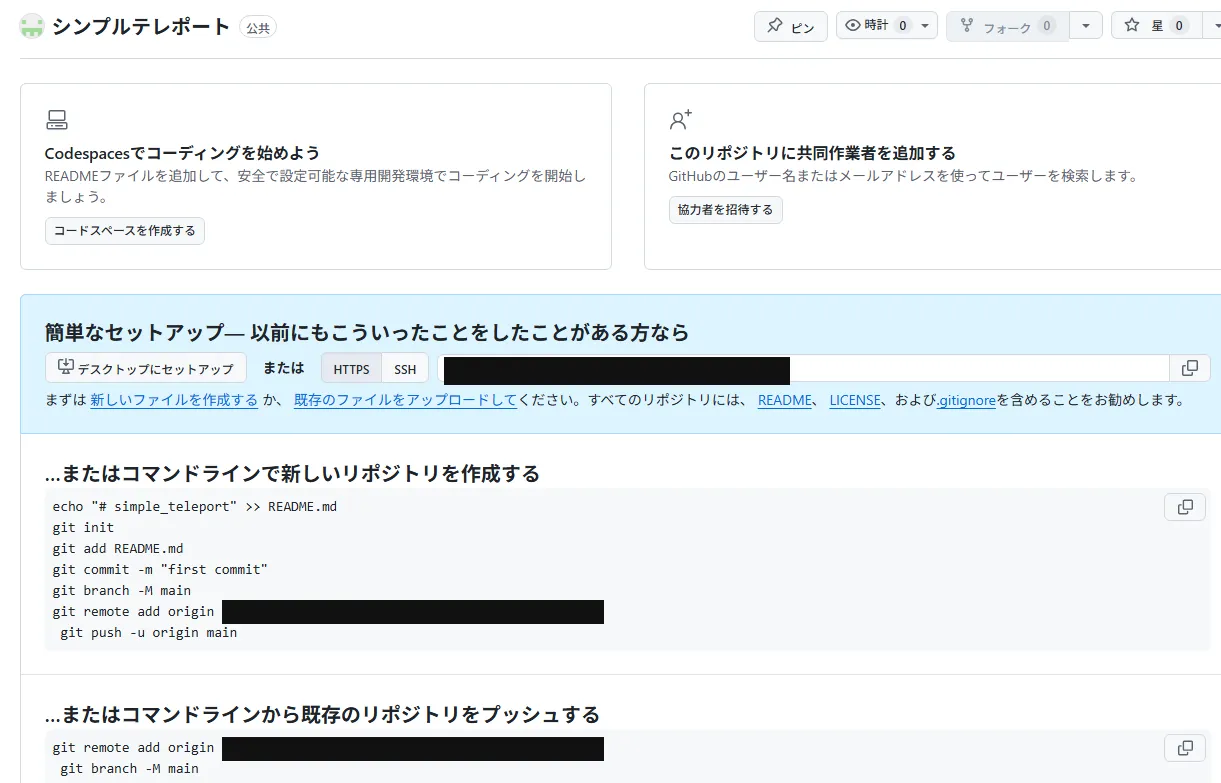
Because I went through it while understanding what each command meant, it felt less like "it somehow worked" and more like "I knew what I was doing while running it" — and that was good.
Publishing Simple Teleport on GitHub
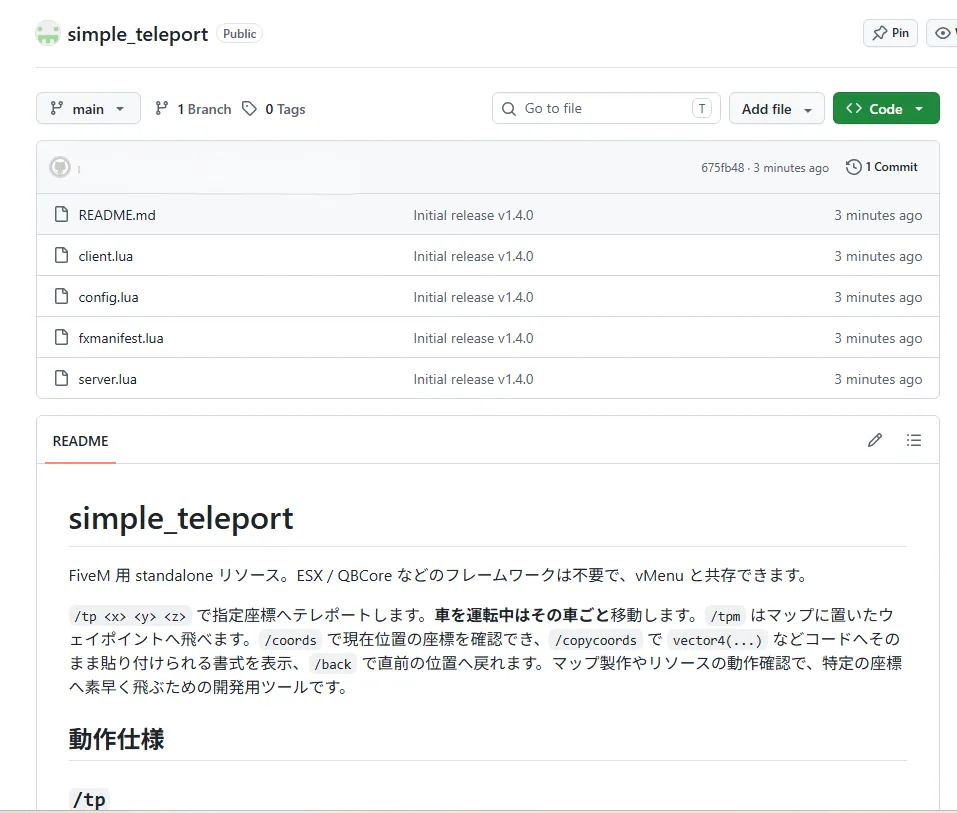
I published simple_teleport, the resource I'm currently developing, on GitHub for the first time. Here's what I committed.
- README.md
- client.lua
- server.lua
- config.lua
- fxmanifest.lua
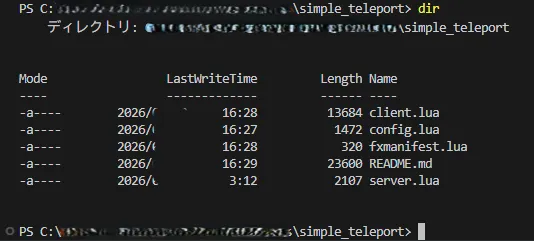
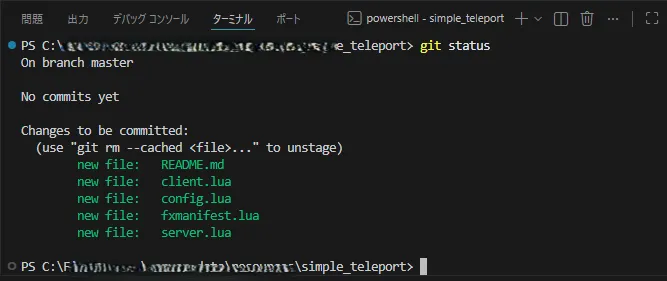
It was the moment I published code I'd written myself to the world for the first time. Rather than just dumping the contents of a folder, I got to publish it after tidying it up so other people could make sense of it — a step forward, if I do say so myself.
Creating GitHub Release v1.4.0
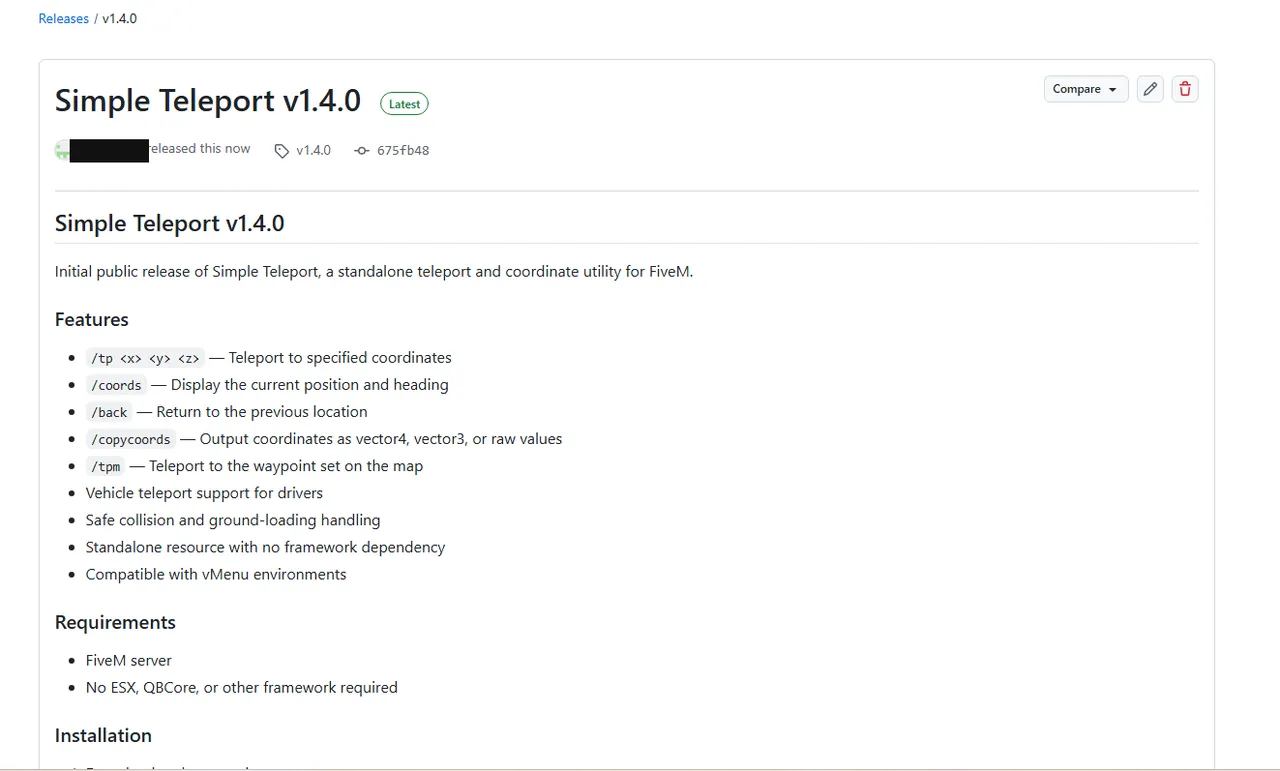
Next, I tried GitHub's Release feature for the first time too. I created a release as Simple Teleport v1.4.0, and wrote up the feature list (/tp, /coords, /back, /copycoords, /tpm) along with how to install it (drop it in resources and add ensure simple_teleport to server.cfg).

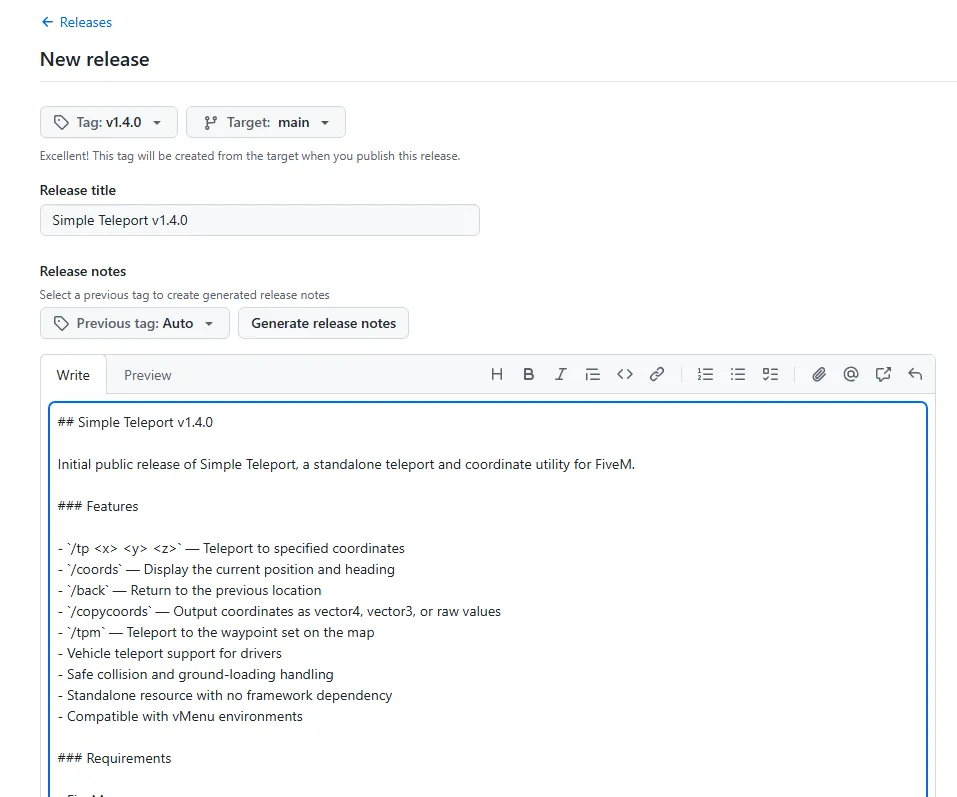
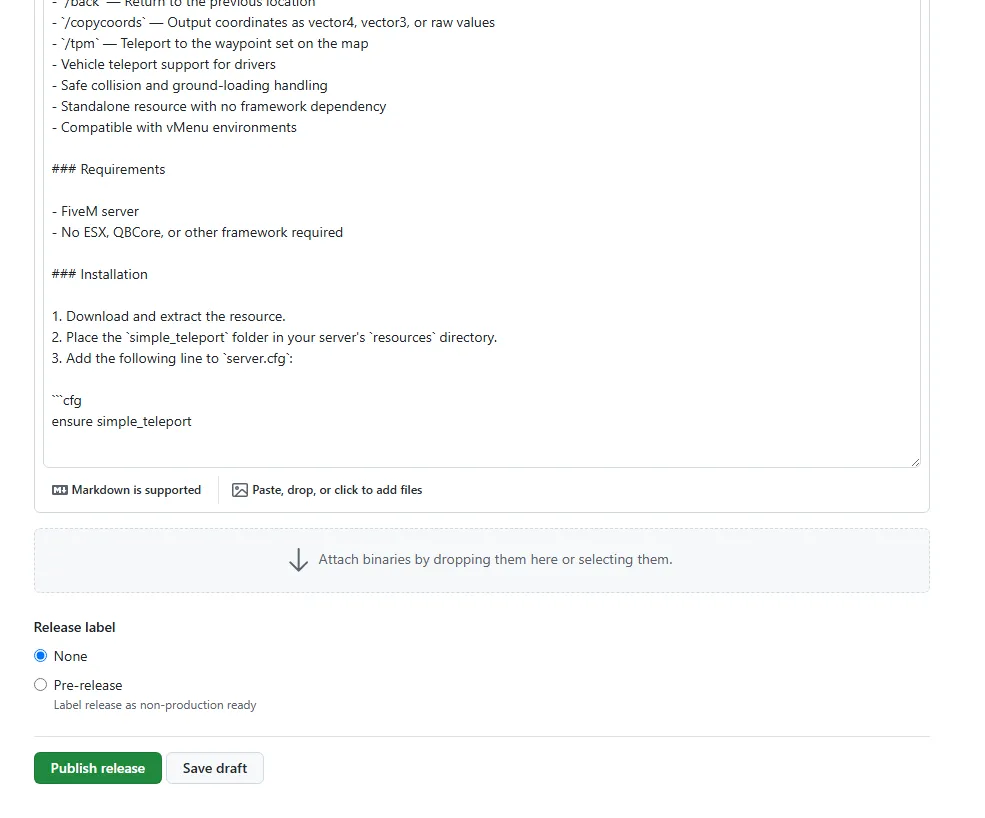
The point was to be conscious of making it easy to read as a distributable, not just "putting the code somewhere." When the release notes gather the features and the usage in one place, even someone seeing it for the first time can follow the path to installing it.
Adding an MIT License
I studied up on licenses too. If I'm going to publish it anyway, I wanted it in a form other developers could use with confidence.
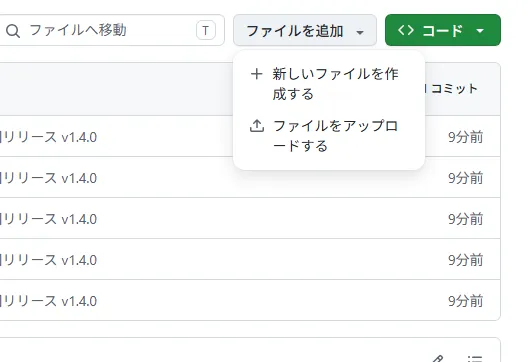
At first I slipped up and created an empty file, but in the end I managed to add the MIT License properly.
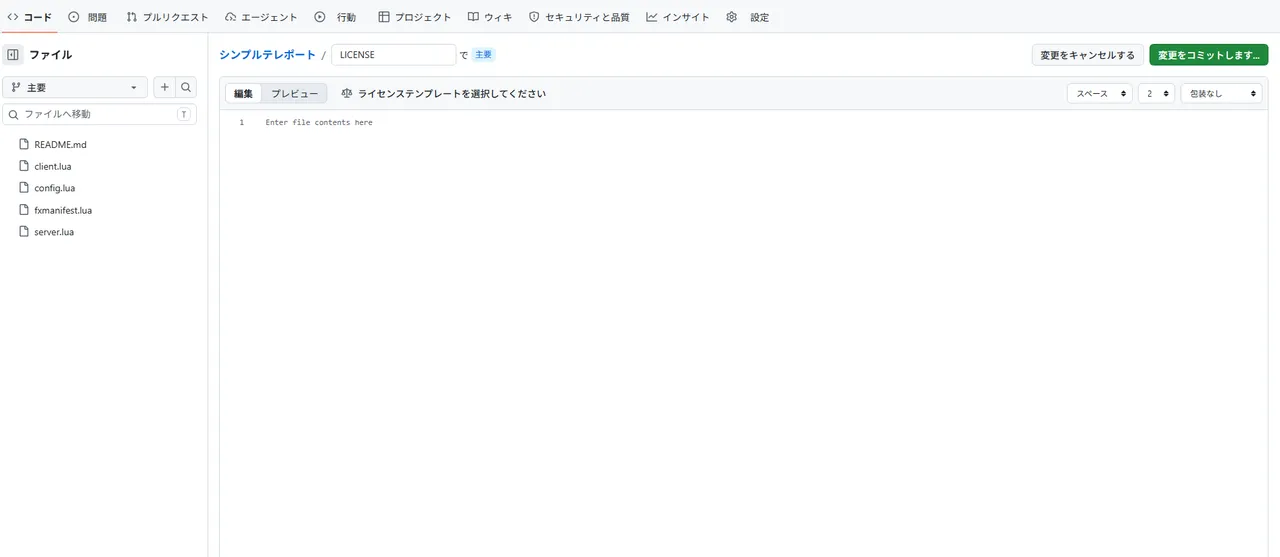
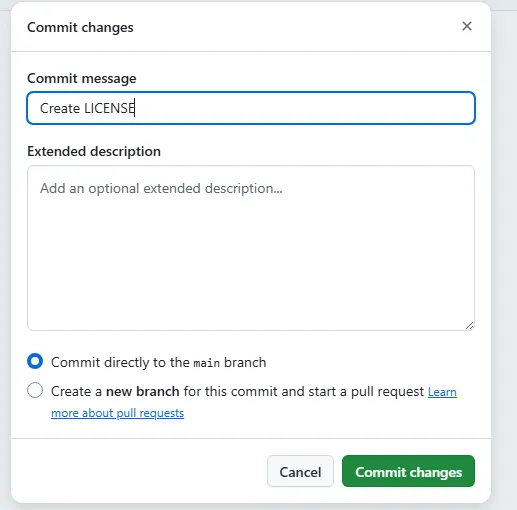
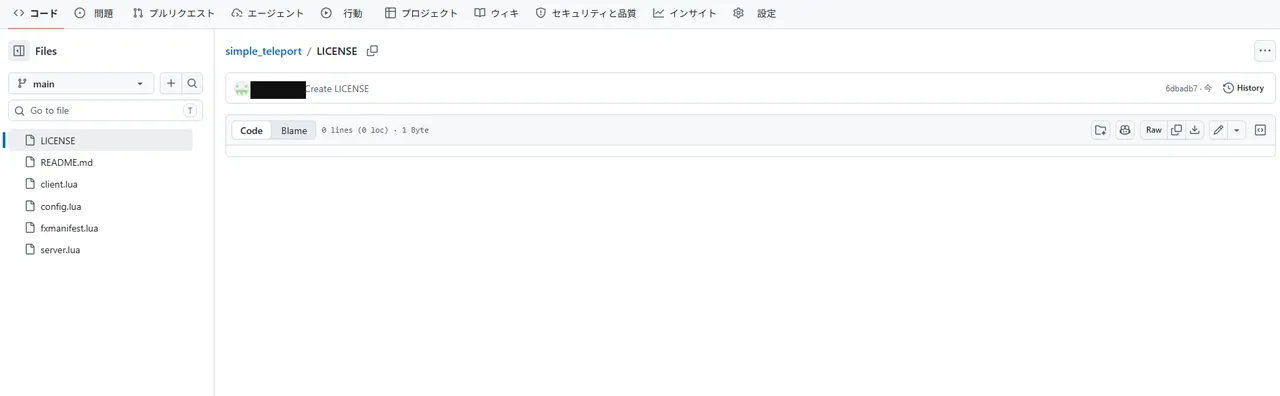
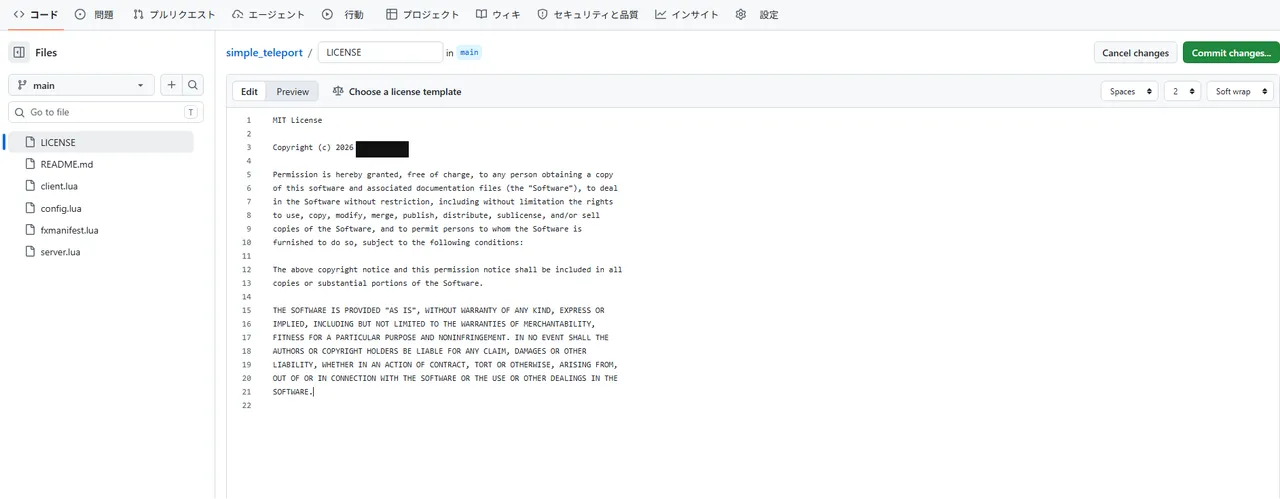
With that, instead of being in a "not sure whether I'm allowed to use this" state, it became a repository anyone is free to use and modify. Whether a license is clearly stated makes a real difference to how trustworthy something feels as a distributable, I think.
The Next Development Plan Is Set
I've published simple_teleport as v1.4.0 for now, but there's still room to grow it. Here's what I want to move on to next.
- Improving the roof detection (last time, the arena roof was treated as "Ground" and I landed on it — I want to make that behavior more natural)
- Adding more convenient features for developers
- Releasing v1.5.0
- Making a demo video (about 30 seconds)
I want to put the video on GitHub too, aiming for a resource where you can see at a glance "how it actually works." A single short video should get the point across completely differently from text explanations alone.
How Today Felt
Up to now the center of gravity has been "writing code," but today was the day I took my first step as an open source developer — publishing on GitHub, cutting a release, and setting a license.
Getting public resource number one released without trouble — that was today's biggest result.
This article is a record of the GTA6 FEED operator actually building a FiveM server on their own PC. The technical information is written after confirming the environment and each tool's offering as of July 2026, but the specifications and behavior vary by environment and may change going forward. FiveM and GTA are trademarks of their respective rights holders (Cfx.re / Rockstar Games), and this site is not affiliated with those companies.