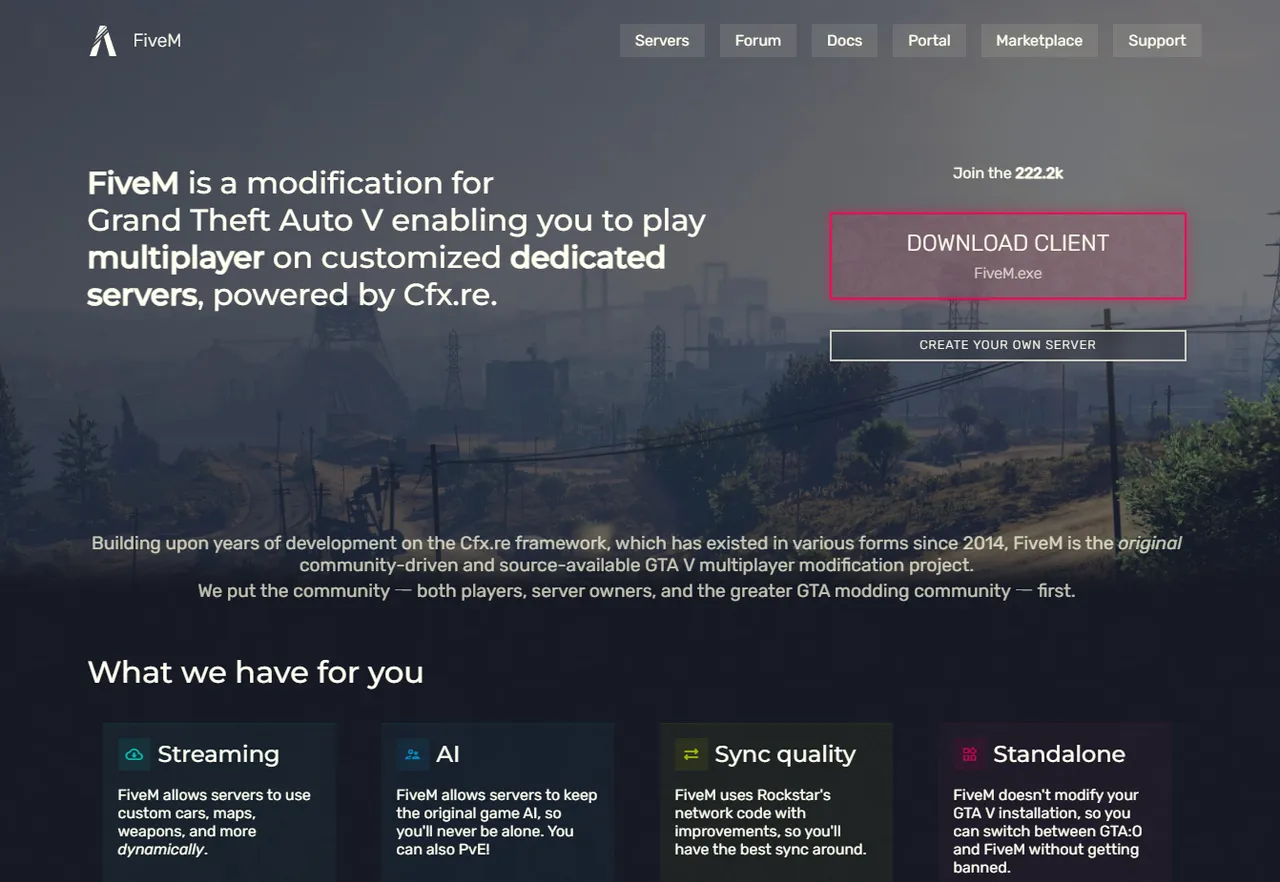
To get started with FiveM, you need to install its dedicated client. By design, FiveM does not modify the files of GTA5 itself or GTA Online, so installing it has no effect on the GTA Online side, and uninstalling is easy. That said, there are points where you can stumble on your first try. GTA6 FEED walks you through everything in order, from what you need before installing, to the steps, to troubleshooting.
What You Need Before Installing
Before you begin, it is worth checking the prerequisites. Here is what you need.
- Operating environment: Windows PC only. It cannot be used on consoles (PS5, Xbox, and so on) or on Mac.
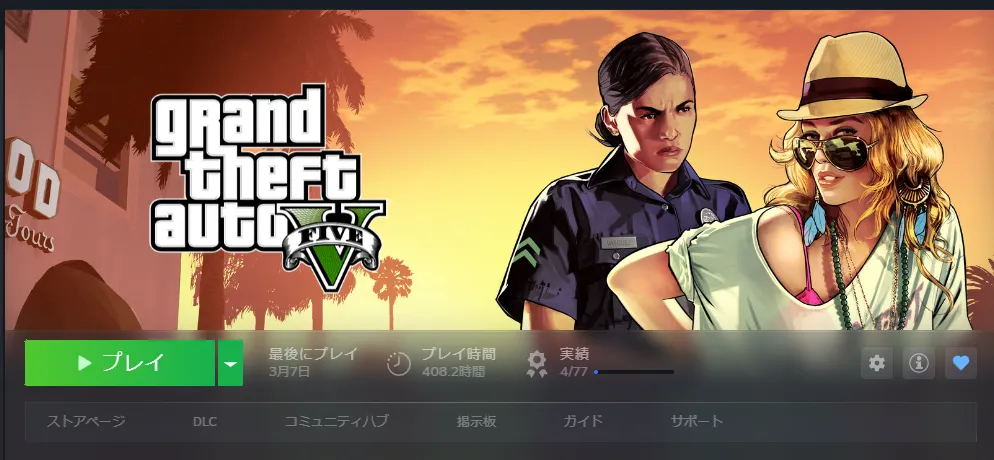
- A legitimate copy of GTA5 (PC version): It will not run on pirated or modified copies, and these are also rejected by the verification during installation. A copy purchased through Steam, the Epic Games Store, or the Rockstar Games Launcher is all fine.
- GTA5 edition: As of 2026, FiveM only supports the Legacy Edition. The Enhanced Edition is currently unsupported, so prepare the Legacy Edition. On platforms like Steam it is offered as a separate item, so it is worth confirming before installing.
- Free storage space: A guideline is around 10GB or more. For faster loading, an SSD is preferable.
Installation Steps
Once the prerequisites are in place, proceed with the installation in the following flow.
Step 1: Launch GTA5 (Legacy Edition) once. It is enough to load Story Mode and then close it. This makes it easier for FiveM to detect the game itself (GTA5.exe). Skipping this small step can cause you to stumble at the later detection.
Step 2: Download the client (FiveM.exe) from the FiveM official site (fivem.net). To avoid malware and scams, always download only from the official site. Do not touch unofficial sites or anything billed as a handy tool.
Step 3: Run the downloaded installer. To avoid issues caused by permissions, it is a good idea to run it as administrator. If you run it inside an empty folder it installs into that folder; otherwise it installs by default into %localappdata%\FiveM. When the terms of service are shown, agree and proceed.
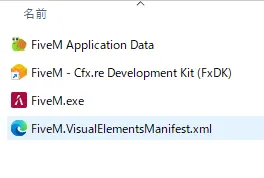
Step 4: Specify the location of GTA5. In most cases it is detected automatically, but if it is not found, manually specify the folder containing GTA5.exe in the file selection screen. At this point, be careful to choose the game itself, GTA5.exe (Legacy Edition), not the launcher exe. FiveM performs a verification of the game data once.
Step 5: When installation is complete, a shortcut is created on the desktop and in the Start menu. When you launch FiveM, a file update runs on the first time, so wait until it finishes. You will be asked to link a Cfx.re account, but this is optional and you may skip it (linking lets you bookmark and rate servers). Note that launching GTA5 itself requires logging in with a Rockstar account.

Step 6: Once it has launched, the server browser is displayed. From here, choose the server you want to play on and connect. Depending on the server, Discord linking or screening may be required.
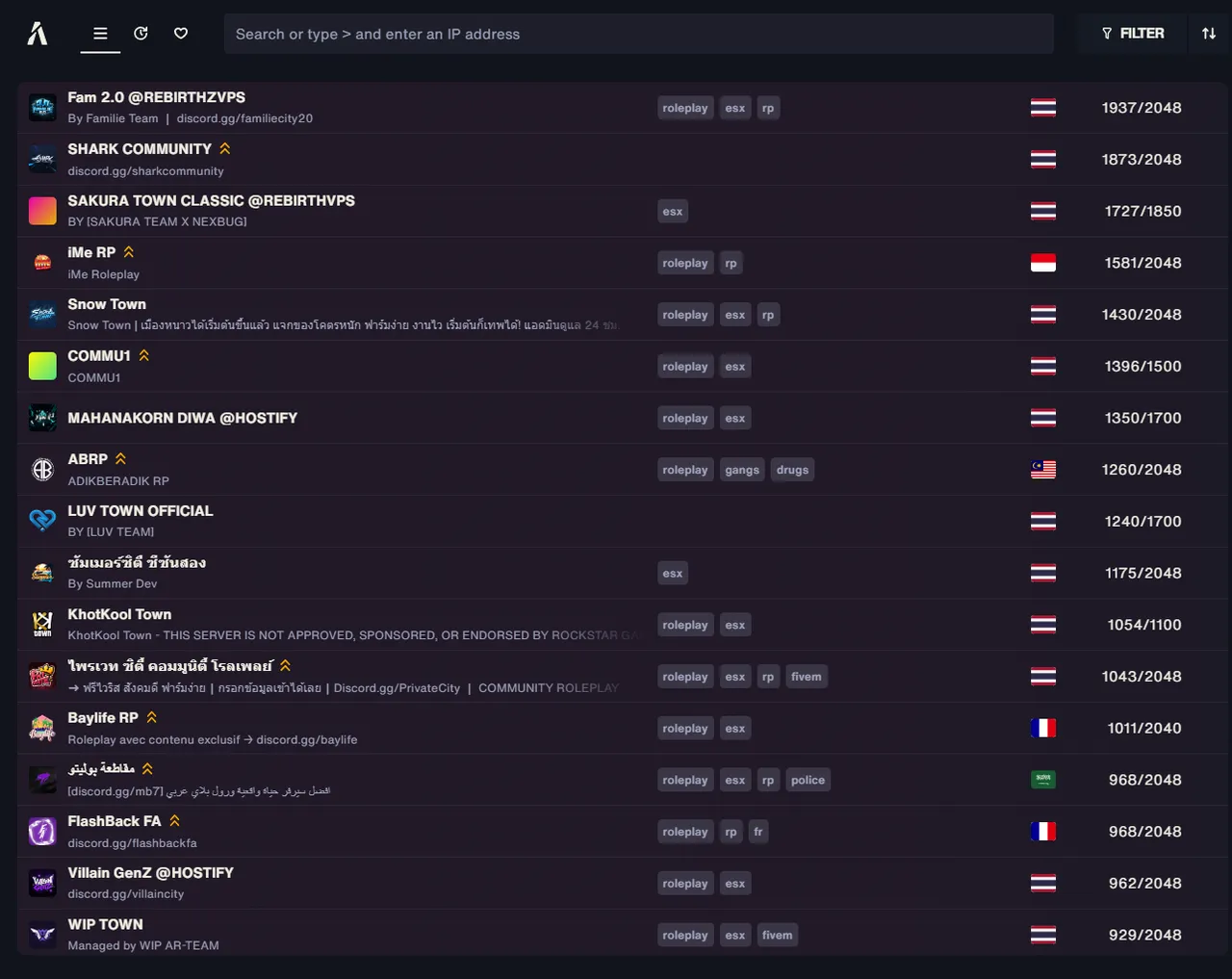
We cover how to find and choose servers in detail in a separate guide.
Antivirus Exclusion Settings
A common stumbling point during installation is detection by antivirus software.
Because FiveM touches deep parts of the system in order to run MODs, antivirus software such as Windows Defender may block it as a false positive. In most cases this is a harmless false positive.
As a countermeasure, it is a good idea to register FiveM's installation folder and FiveM.exe in your antivirus exclusions (whitelist). Setting this up before installing also helps you avoid trouble such as file corruption. In addition, allowing FiveM's communication in the Windows Firewall on both public and private networks reduces connection trouble.
Common Problems and Solutions
When you stumble during installation or launch, the cause is often one of a few. Here are the typical ones.
- If GTA5 cannot be detected, launch GTA5 once and try again, or manually specify the folder containing GTA5.exe (not the launcher exe).
- If it crashes on launch, the cause is often corruption of GTA5's own files. Verify the game files in the Steam, Epic, or Rockstar launcher, update your graphics driver to the latest version, and then try again.
- Stuttering, missing textures, and UI glitches are often caused by the cache. If you delete the cache-related folders inside %localappdata%\FiveM\FiveM.app and restart, they are automatically rebuilt.
- Server connection errors can occur when a VPN or firewall is interfering with communication. Check your firewall's allow settings, and try temporarily turning off your VPN.
Uninstalling Is Easy
It is also worth adding that there is no need to hesitate about installing. Because FiveM does not modify GTA5's own files, uninstalling is simple and leaves no effect on the GTA Online side. If you installed it in the default location, delete the %localappdata%\FiveM folder; if you did a portable install into an empty folder, delete that folder. Being easy to try out casually is another advantage of FiveM.
Once You Are Set Up
Once installation is done, all that is left is to choose a server and become a resident of the city. At first, start with a beginner-friendly server that has lenient screening, and get used to the controls and the atmosphere. Note that single-player MODs (Menyoo, Script Hook V, .asi files, and so on) cause problems if mixed with FiveM, so do not forget to manage them completely separately.
Disclaimer
This article organizes the general installation steps for FiveM in a beginner-friendly way. FiveM is a community-made platform premised on the PC version of GTA5 (Legacy Edition), and a legitimately purchased GTA5 is required. Because the support status for GTA5 Enhanced Edition, the client's specifications, and the details of the on-screen display and steps may change with updates, please check the latest information on the FiveM official site (fivem.net) and the official documentation when installing. Always download only from the official site, and do not use unofficial distributions. This site is an unofficial GTA6 fan community and has no relationship whatsoever with Rockstar Games / Take-Two.